
QR code scanning has become almost second nature to us after the COVID-19 pandemic. From scanning menus when dining out to making over-the-counter payments, one probably scans multiple QR codes in a day. This customer behaviour change extends globally where in 2022, research1 showed that the number of QR code scans increased more than four times. Additionally, Singapore was one of the top 10 countries with the highest scanning activity in the first quarter of 2022.
People have developed a habit of scanning QR codes and clicking through links that pop up without thinking twice. This behaviour has opened up another avenue for hackers to evolve their scam tactics to take advantage of unsuspecting netizens, using QR codes as phishing bait. We shared that phishing is one of the most common types of social engineering attacks in the first of our series to help you educate your employees on spotting and not falling prey to scams. In this second instalment, we’ll discuss the risks of phishing via QR codes and links, and how to identify them.
Understanding the threat of phishing
The art of the modern scam – social engineering – is more often than not carried out through phishing where scammers impersonate a trusted authority. For example, it could be a bank staff requesting users to answer survey questions via a malicious link embedded in a QR code.
After a user completes the survey, they are asked to click on another link to qualify for a reward. This usually goes to a phishing website, asking for personal information where the scammer will get the users’ credentials.
The same principle of baiting applies to QR phishing. Codes are often posted with a promise of something in return to entice users. These malicious QR codes then lead victims to download malware disguised as an app. Once installed, hackers can scrape sensitive data from the device, like your personal, or business’ banking information. A recent example2 that happened in Singapore is when a 60-year-old woman lost S$20,000 after scanning a QR code that prompted her to download a third-party app to redeem a free cup of bubble tea after filling out a survey, which enabled hackers to digitally move the money out of her bank account.
Some phishing attempts can go even further. Because many people also use their mobile phones for work, hackers may try to access business information using malware. Some may even mislead victims into scanning a QR code and unknowingly passing their Singpass ID or Myinfo business details. This then authorises the other party to open or access accounts without the victim’s knowledge.
Spotting red flags and keeping safe
Fortunately, phishing isn’t always well-camouflaged. Here’s some guidance on how you can spot potential red flags.
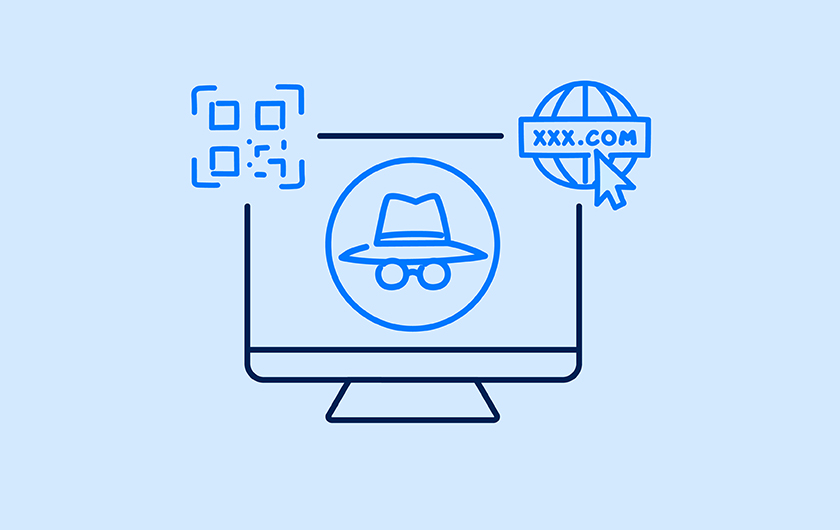
- Review the URL when you scan a QR code via your mobile phone as it provides a preview of the link. Some suspicious triggers could be misspellings in the domain, off-brand addresses, or unusual letters and numbers.
- Check that the website uses ‘HTTPS’ in the URL as the plain ‘HTTP’ betrays an unsecured connection that can easily be intercepted by hackers.
- Cross-check if the app that you’ve been asked to download is available on the official app stores of Apple and Android.
Protecting your business from bait is the first step to avoid getting phished. Ensure that all employees know the official channels (e.g. email, website and SMS domains) that your banks use when conducting surveys. When in doubt, contact your bank or the business to verify. Other steps that should be part of your protocol:
- Don’t reply to unrecognised numbers or click on any links shared by strangers. Never provide sensitive information through messaging apps, or over a call.
- Only scan the Singpass QR code on the official website of any digital service.
- Don’t download any third-party apps from unofficial sites.
Staying ahead of scammers
With increasingly creative online threats, you need to stay on top of the risks your business faces. Hacked accounts can be used to attack people within the victim’s network — so treat any unusual requests with caution. If, unfortunately, you have fallen prey or suspect your ANEXT Business Account has been hacked, temporarily suspend your account until your login credentials are renewed and report the activity to the relevant authorities as necessary.
Now that you’ve understood phishing and the various formats such as QR codes and survey links that can be hidden in to trip you up, share this information with your employees and reduce the chance of your business falling prey to scams.