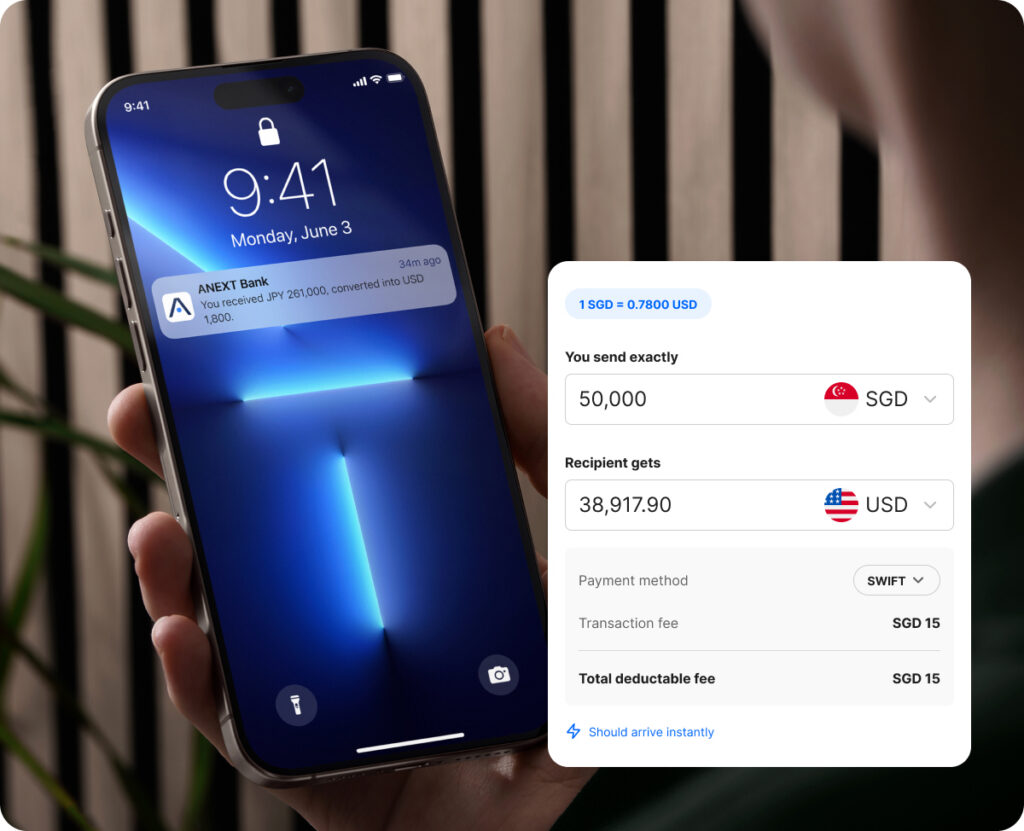
Simplify cross-border operations and manage multiple currencies in one place. Send funds internationally without the hassle of managing multiple bank accounts.
SGD
USD
CNH
EUR
GBP*
HKD*
JPY*
KWR*
MYR*
THB*
* Funds received in these currencies are converted to USD
Add unlimited users as your company expands. Give your team the access they need, while you maintain full visibility and control.
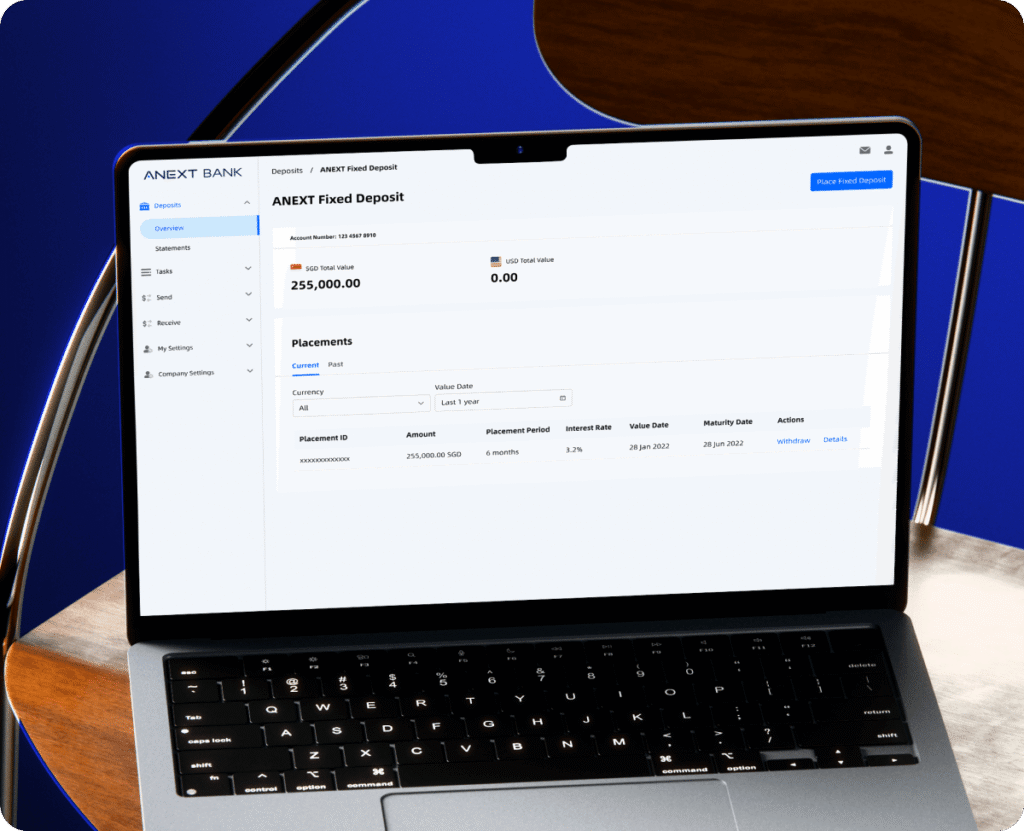
Put your growth capital to work
Earn fixed interest on your idle funds starting from USD 5,000 with flexible tenures. Enjoy the flexibility of short placement periods, and earn interest in multiple currencies.
Can my business open multiple business accounts with ANEXT Bank?
No, a business can only apply and maintain one ANEXT Business Account at the moment.
Can I schedule a transfer?
Scheduled transfers are available via payment channels FAST, GIRO and MEPS and will be submitted at 00:00 of the indicated scheduled date. Credit timing depends on the channel. Do note that if you’re selecting the MEPS channel, you can only schedule the transfer on a working day in Singapore.
How can my business receive payments?
You can receive SGD via PayNow/FAST/MEPS/GIRO. ANEXT does not charge an additional fee for incoming SGD transfers, subject to applicable limits.
For PayNow, log in to Online Banking, navigate to PayNow Settings > My QR > Download to provide your PayNow ID or unique QR.
For FAST, MEPS or GIRO, here are the information that your remitter’s bank may require:
Account Name
Account Number: Your 11-digit ANEXT Business Account number (Online Banking > Account Overview > View)
Bank Name: ANEXT Bank Pte. Ltd.
Bank Code: 9742
Bank Industry Code: ANTPSGSGXXX
How can I use PayNow to receive payments?
To set up your PayNow ID:
Step 1: Log in to Online Banking and navigate to PayNow > PayNow Settings > Click the ‘Register New’ button on the top right-hand corner.
Step 2: Your UEN will be your PayNow ID by default. If you’ve linked your PayNow ID to another bank account, simply select 3-alphanumeric characters that will be added to the end of your existing PayNow ID e.g. if your 3-alphanumeric characters is AB1, your PayNow ID will be 1234567AB1
Step 3: Review and confirm the request.
You can also generate a QR Code that’s valid for as long as your account is in operation to receive funds instantly into your ANEXT Business Account. Navigate to PayNow Settings > My QR > Download. Do note that your payee will need to input the transfer amount upon scanning the QR Code.